
Redshift Data Connector
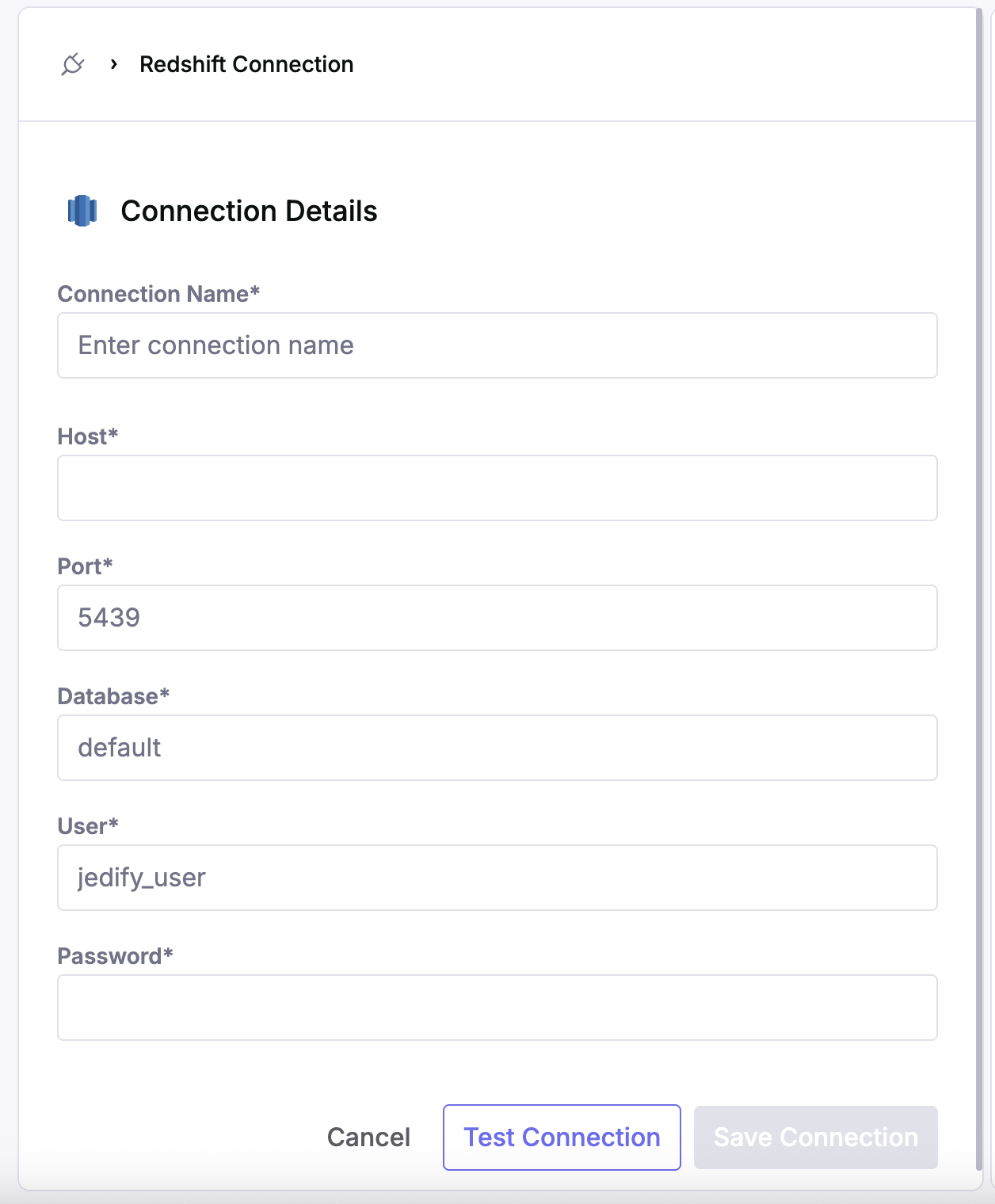
Connect to Redshift by following the instructions and filling out the fields as shown below:
- Get your Redshift cluster endpoint (host)
Go to AWS Console > Amazon Redshift > Clusters
Click on your cluster name
Copy the "Endpoint" (without :5439 port) For Example: "my-cluster.abc123.us-east-1.redshift.amazonaws.com"- Configure Security Group inbound rules (In AWS Console, go to EC2 > Security Groups)
- Create a user and grant permissions as shown directly in the Redshift data connector page.
Updated 3 months ago