

Versions tab
The Versions tab lists merged versions published in the last 90 days. Each version has an immutable internal ID and a unique display label in the formatvYYYY.MM.DD.N, where N is the publication sequence for that day - for example v2026.07.11.2.
For each version you see: Merged by <user name>, <date>.
Branches tab
The Branches tab shows main by default, then one row per unmerged branch. For each branch you see: Pushed by <user name>, <date>. If there are no unmerged branches, the tab reads No unmerged branches.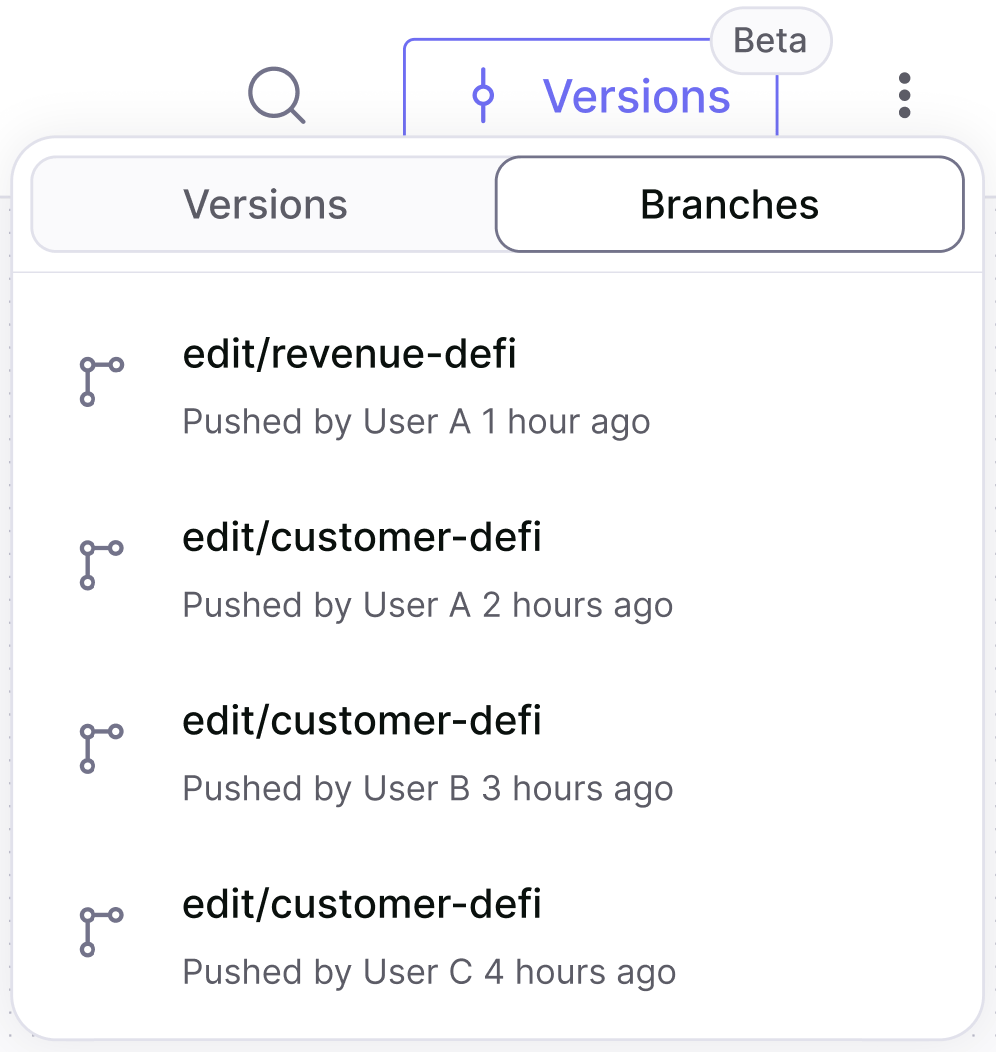
Selecting a branch
When you select a branch:1
A purple bar appears
A purple bar spans every page of the app, reading Viewing branch {x}. Every action you take and every output you receive applies to this branch rather than to main.
2
Review the changes
Click Review & Merge in the bar to open a side-by-side comparison of the branch’s changes against main.
3
Merge or decline
From the comparison you can decline the changes or merge them to main.

Selecting a previous version
When you select a published version:1
A purple bar appears
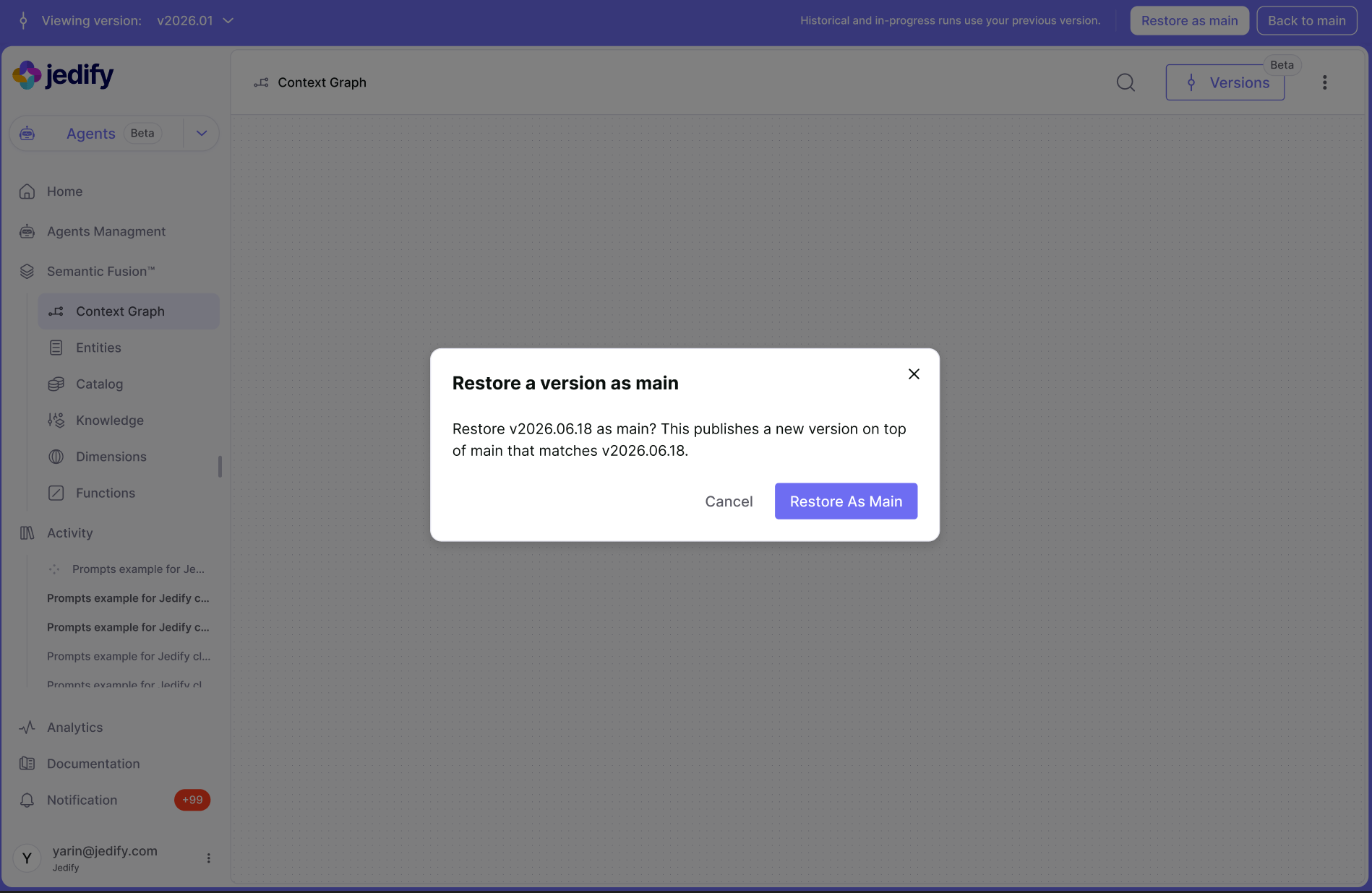
A purple bar spans every page of the app, reading Viewing {version_label}. Every action you take and every output you receive applies to this version rather than to main.
2
Compare individual nodes
Select any node in the Context Graph and click Compare to main in the node’s panel.
3
Restore if you want it back
Restore as main is available at any time - see Restore a previous version.

Restrictions on non-main outputs
Outputs generated by Ask Jedify or Agents while a non-main version was active have restricted actions. The following are disabled, with a tooltip on hover reading Available for outputs generated on main:- Add to insight library
- Add to test set
- Share
- Pin to home
Notifications
When changes happen elsewhere, what you see depends on your current context in the Versions menu.Merged to main
Pushed to a branch
This happens, for example, when a conflict is resolved on GitHub.Branch created or deleted
- Branch created - the dropdown refreshes.
- Branch deleted - if you are on that branch, your session is checked out to main and the dropdown refreshes. Otherwise, the dropdown refreshes.