

- Adjust any of the settings based on your needs OR add a new custom rule.
- Adding a new custom rule:
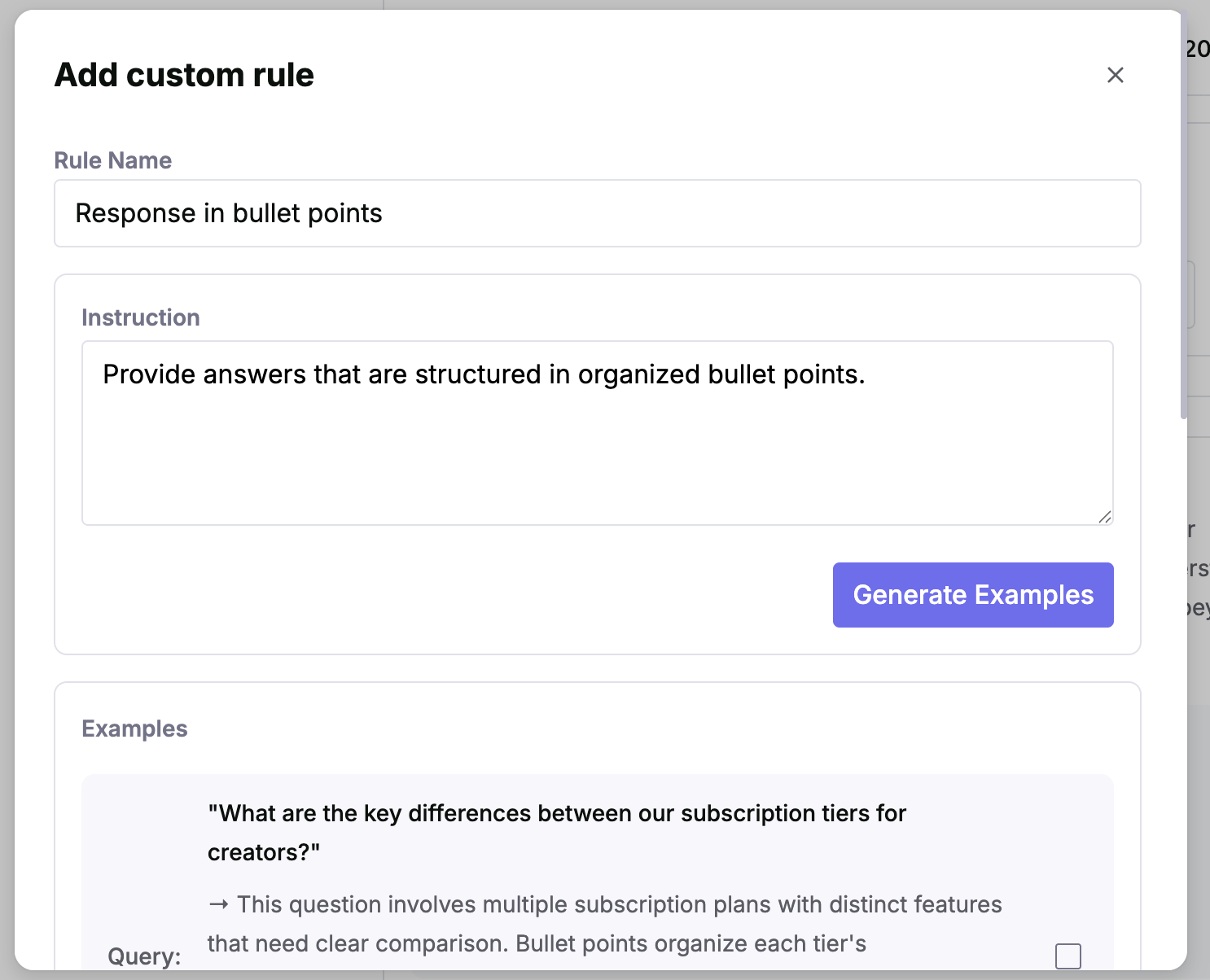
- Click ‘Add custom rule’
- Type in a ‘Rule Name’ and Instruction based on your need.
- Click ‘Generate Examples’ to generate 3 examples of questions and corresponding behavior related to the new rule.
- Review the examples and select the ones that match the expected behavior. If needed, generate new examples or adjust the instruction to make it more accurate or clear.
- Click ‘Create Rule’.
- Test your changes by asking relevant questions in ‘Ask Jedify’.
- Publish your changes to be used across your entire organization.