

- Adjust any of the settings based on your needs OR add a new custom rule.
- Adding a new custom rule:
- Click ‘Add custom rule’
- Type in a ‘Rule Name’ and Instruction based on your need.
-
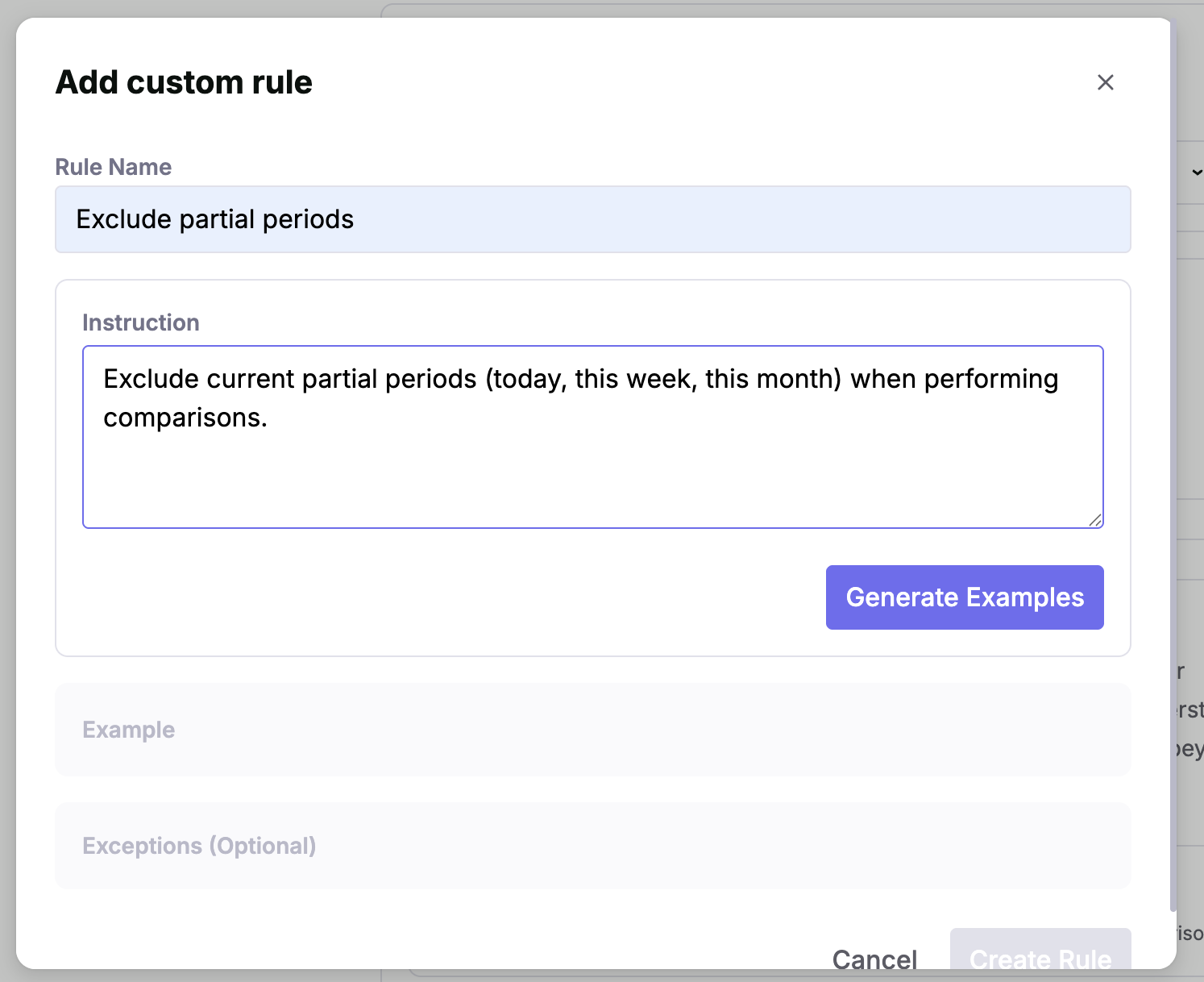
- Click ‘Generate Examples’ to generate 3 examples of questions and corresponding behavior related to the new rule.
- Review the examples and select the ones that match the expected behavior. If needed, generate new examples or adjust the instruction to make it more accurate or clear.
- Click ‘Create Rule’.
- Test your changes by asking relevant questions in ‘Ask Jedify’.
- Publish your changes to be used across your entire organization.
Semantic Statements
Editing Time Analysis
This page explains how to create, edit, review, and publish changes to the Time Analysis.
Navigate in app: Semantic Fusion Model → Semantic Statements → Time Analysis
Was this page helpful?