> ## Documentation Index
> Fetch the complete documentation index at: https://docs.jedify.com/llms.txt
> Use this file to discover all available pages before exploring further.
# Usage Guide
# Getting Started
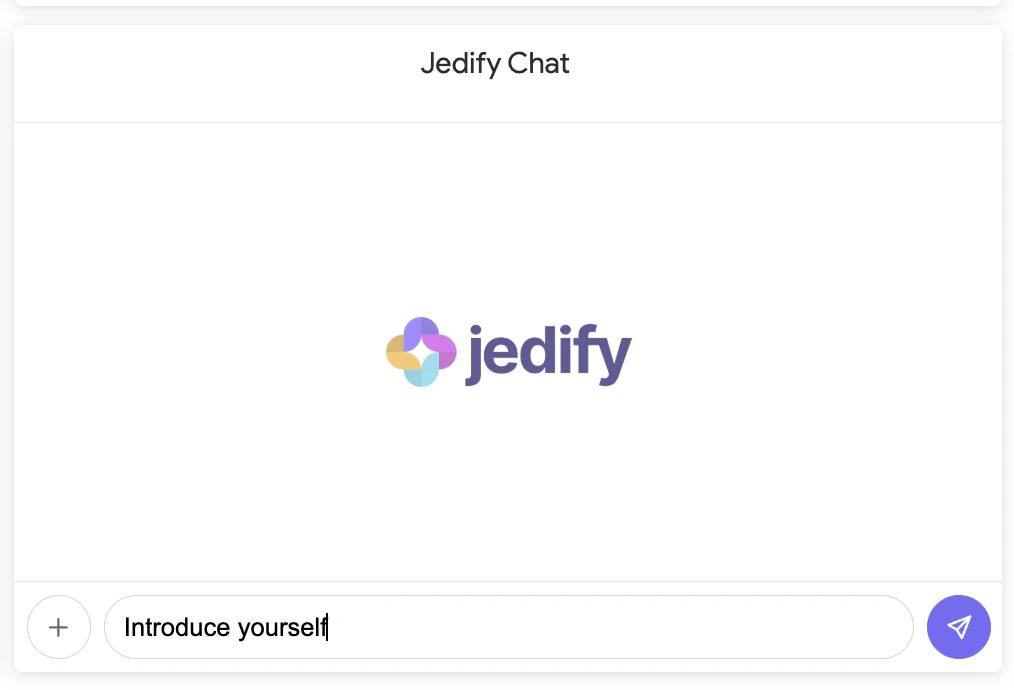
Once the extension is installed, open any dashboard with the Jedify Chat tile and type your question in the input box.
Jedify automatically collects context from the dashboard you're viewing — including active filters, tile queries, SQL, and live data — so your questions are answered in the context of what's on screen.
 # What You Can Ask
Ask the same questions you would in the Jedify platform:
* **Data questions**: "What's our revenue this quarter?"
* **Dashboard-specific**: "Why is the churn rate higher in the West region?" (Jedify sees the dashboard filters and data)
* **Deep analysis**: "Compare conversion rates across all segments and explain the trends"
* **Follow-ups**: Ask follow-up questions in the same session — Jedify remembers the conversation
### Example Queries
* "Summarize the key takeaways from this dashboard"
* "What's driving the spike in the revenue chart?"
* "Break down the top 10 accounts by ARR"
* "Are there any anomalies in last month's data?"
# What You Can Ask
Ask the same questions you would in the Jedify platform:
* **Data questions**: "What's our revenue this quarter?"
* **Dashboard-specific**: "Why is the churn rate higher in the West region?" (Jedify sees the dashboard filters and data)
* **Deep analysis**: "Compare conversion rates across all segments and explain the trends"
* **Follow-ups**: Ask follow-up questions in the same session — Jedify remembers the conversation
### Example Queries
* "Summarize the key takeaways from this dashboard"
* "What's driving the spike in the revenue chart?"
* "Break down the top 10 accounts by ARR"
* "Are there any anomalies in last month's data?"
 # How It Works
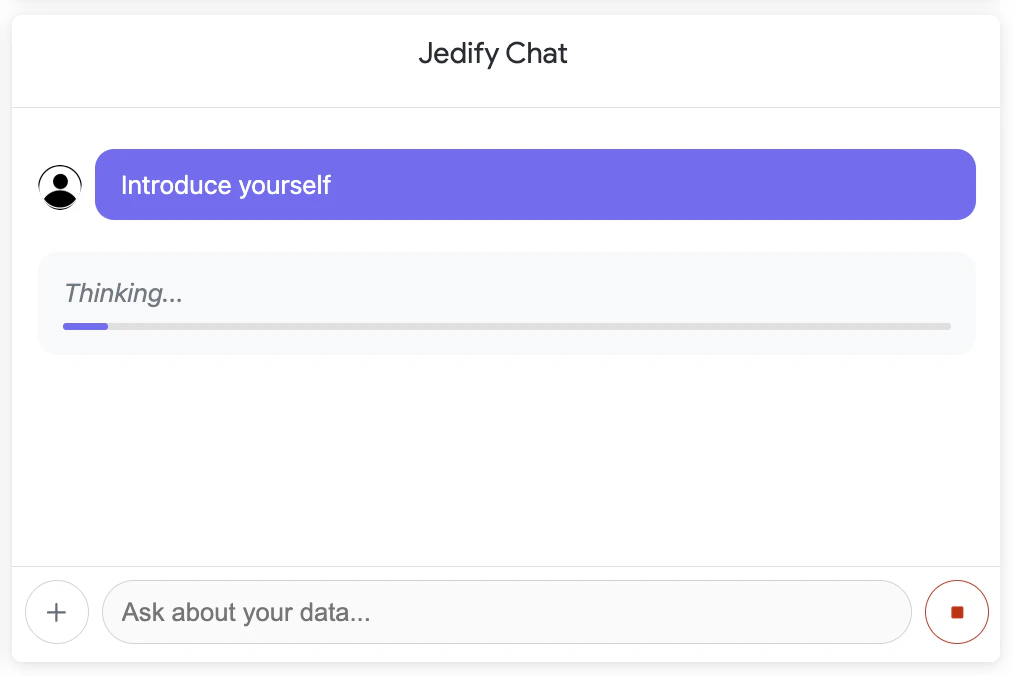
Type your question in the chat input. The dashboard context (filters, queries, data) is automatically attached.
Jedify's Research Agent starts a multi-step investigation. You'll see a progress indicator with live activity labels showing what the agent is doing.
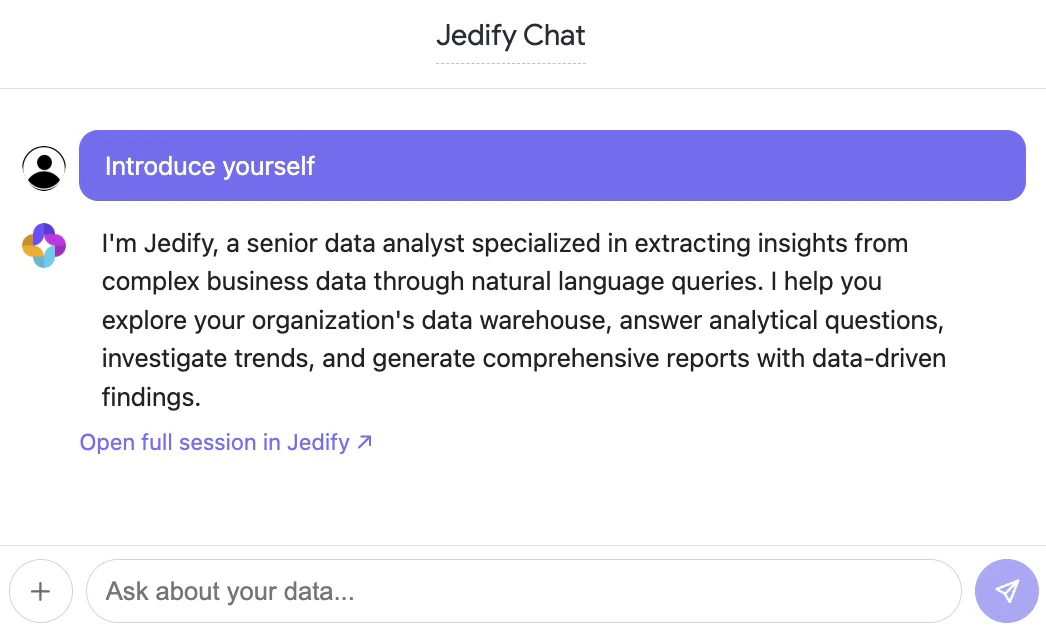
When the research completes, the answer streams into the chat with full markdown formatting — including tables, lists, and structured insights.
Each answer includes a link to open the full research session in Jedify. You can also ask follow-up questions in the same session.
# How It Works
Type your question in the chat input. The dashboard context (filters, queries, data) is automatically attached.
Jedify's Research Agent starts a multi-step investigation. You'll see a progress indicator with live activity labels showing what the agent is doing.
When the research completes, the answer streams into the chat with full markdown formatting — including tables, lists, and structured insights.
Each answer includes a link to open the full research session in Jedify. You can also ask follow-up questions in the same session.
 # Features
### Dashboard Context Awareness
Every question you ask is enriched with:
| Context | What Jedify Sees |
| ---------------------- | ------------------------------------------------------------------ |
| **Dashboard metadata** | Title, description, dashboard ID |
| **Active filters** | Current filter values applied to the dashboard |
| **Tile definitions** | Each tile's explore, fields, sorts, pivots, and visualization type |
| **Tile SQL** | The generated SQL query for each tile |
| **Tile data** | The first 50 rows of actual data from each tile |
This means you can ask questions like *"Why is the revenue lower in Q3?"* and Jedify understands which revenue tile, which filters, and what data you're looking at.
### Session Persistence
* Your chat history is preserved across page reloads
* Each dashboard has its own independent conversation
* Click **+** to start a fresh session at any time
### Share Links
Every completed answer includes an **"Open full session in Jedify"** link. This creates a shareable URL that anyone with a Jedify account can use to view the full research session, including all sub-queries and data.
# Standalone vs. Dashboard Tile
| Feature | Dashboard Tile | Standalone App |
| --------------------- | ---------------------------- | ---------------------------- |
| **Access** | Drag onto any dashboard | Applications menu |
| **Layout** | Compact, fits inside a tile | Full-page, centered chat |
| **Dashboard context** | Automatically collected | Not available (no dashboard) |
| **Best for** | Dashboard-specific questions | General data exploration |
For the best experience, use the dashboard tile when you want context-aware answers, and the standalone app when you want a spacious chat for broader questions.
# Features
### Dashboard Context Awareness
Every question you ask is enriched with:
| Context | What Jedify Sees |
| ---------------------- | ------------------------------------------------------------------ |
| **Dashboard metadata** | Title, description, dashboard ID |
| **Active filters** | Current filter values applied to the dashboard |
| **Tile definitions** | Each tile's explore, fields, sorts, pivots, and visualization type |
| **Tile SQL** | The generated SQL query for each tile |
| **Tile data** | The first 50 rows of actual data from each tile |
This means you can ask questions like *"Why is the revenue lower in Q3?"* and Jedify understands which revenue tile, which filters, and what data you're looking at.
### Session Persistence
* Your chat history is preserved across page reloads
* Each dashboard has its own independent conversation
* Click **+** to start a fresh session at any time
### Share Links
Every completed answer includes an **"Open full session in Jedify"** link. This creates a shareable URL that anyone with a Jedify account can use to view the full research session, including all sub-queries and data.
# Standalone vs. Dashboard Tile
| Feature | Dashboard Tile | Standalone App |
| --------------------- | ---------------------------- | ---------------------------- |
| **Access** | Drag onto any dashboard | Applications menu |
| **Layout** | Compact, fits inside a tile | Full-page, centered chat |
| **Dashboard context** | Automatically collected | Not available (no dashboard) |
| **Best for** | Dashboard-specific questions | General data exploration |
For the best experience, use the dashboard tile when you want context-aware answers, and the standalone app when you want a spacious chat for broader questions.