> ## Documentation Index
> Fetch the complete documentation index at: https://docs.jedify.com/llms.txt
> Use this file to discover all available pages before exploring further.
# Connect a GitHub Repository
> Host your Context Graph repository in your own GitHub environment instead of the Jedify-managed default.
By default your Context Graph lives in a Git repository managed by Jedify and hosted on Jedify's S3 - no GitHub setup required. If you'd rather own the repository, connect a GitHub account. You can move the repository to your own environment at any time.
## Where to connect
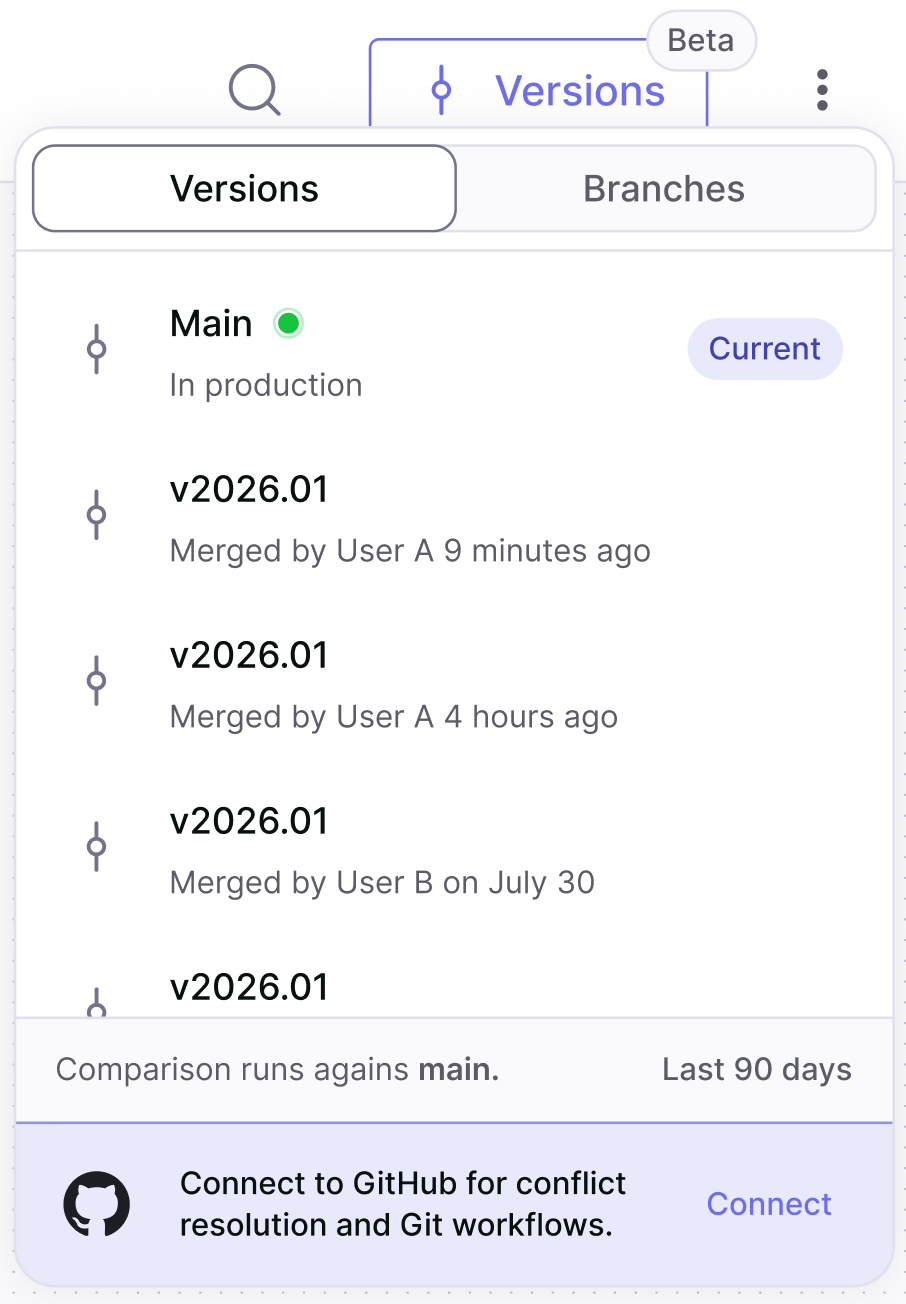
You can start the connection from either place:
* The **Versions** menu on the **Context Graph** page.
* The **Integrations** screen.
 ## Setup
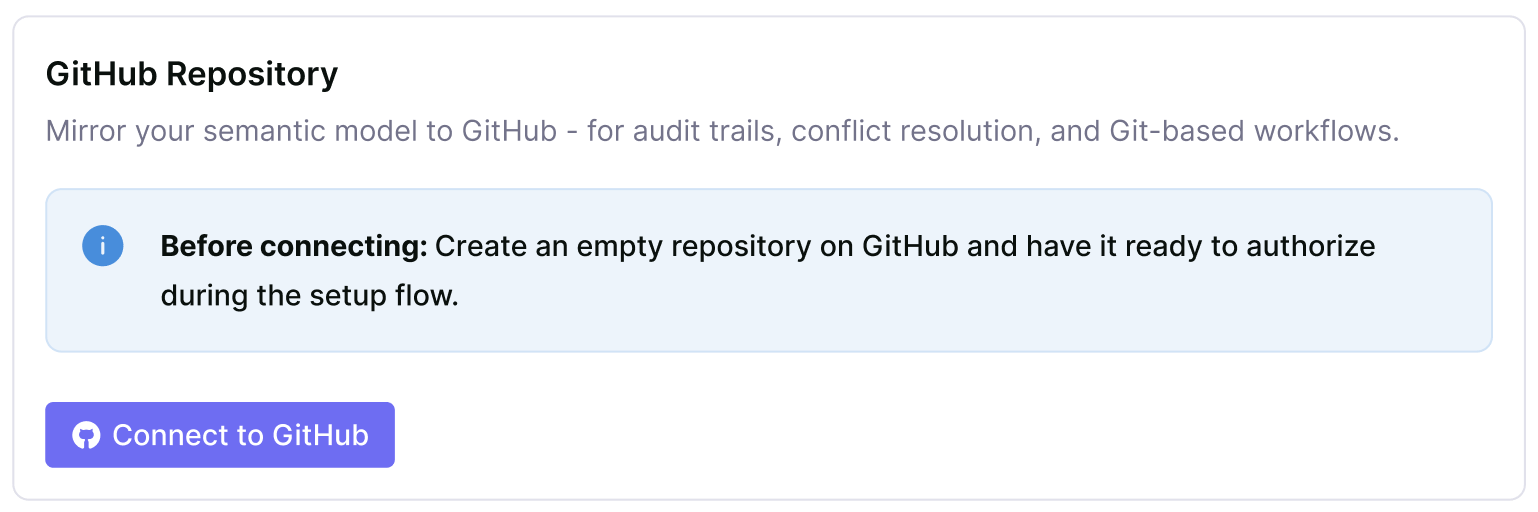 Before you start, create an empty repository on GitHub and have it ready to authorize during the setup flow.
Click **Connect to GitHub** in the GitHub integration card. You're redirected to GitHub in a new tab.
Choose the repository you want Jedify to use.
Click **Update access**. GitHub redirects you back to Jedify, and the card reads *GitHub App installed. Select a repository to connect.* Pick your repository from the picker.
The card now reads **Connected repository: \{name}**, alongside a **Disconnect** button.
## After connecting
Branch pushes, merges, and version history continue to work the same way in the Jedify app - see [The Versions menu](/semantic-fusion/versioning/versions-menu). The difference is that conflicts can now be resolved directly on GitHub, in addition to in the skills.
Before you start, create an empty repository on GitHub and have it ready to authorize during the setup flow.
Click **Connect to GitHub** in the GitHub integration card. You're redirected to GitHub in a new tab.
Choose the repository you want Jedify to use.
Click **Update access**. GitHub redirects you back to Jedify, and the card reads *GitHub App installed. Select a repository to connect.* Pick your repository from the picker.
The card now reads **Connected repository: \{name}**, alongside a **Disconnect** button.
## After connecting
Branch pushes, merges, and version history continue to work the same way in the Jedify app - see [The Versions menu](/semantic-fusion/versioning/versions-menu). The difference is that conflicts can now be resolved directly on GitHub, in addition to in the skills.